

Integrating biometric data into your daily training logs is no longer a luxury for elite athletes; it is a standard requirement for modern fitness optimization. According to recent industry analysis, wearable device adoption in the fitness sector has grown significantly, with millions of users now relying on real-time heart rate data to gauge intensity and recovery. However, many gym owners struggle to centralize this data, leaving valuable insights trapped in isolated apps. This guide explains how to bridge that gap using WodBuster's ecosystem.
Understanding the Sync Mechanism
Heart rate monitoring technology has evolved from simple chest straps to advanced optical sensors. Research in sports physiology confirms that continuous heart rate monitoring improves training accuracy by providing objective metrics on cardiovascular load. In the context of a gym management platform, "syncing" typically refers to the seamless transfer of this biometric data from a wearable device to a centralized workout log.
WodBuster is designed to support this workflow through its specialized coaching modules. The platform does not act as a direct Bluetooth receiver for hardware but serves as the central repository for the data you capture. This architecture ensures that your workout logs remain consistent, regardless of whether you use a Garmin, Apple Watch, or Polar device. The key is understanding how WodBuster Coach facilitates the entry of this data.
Using WB Coach for Data Capture
WB Coach is the core component of the WodBuster ecosystem dedicated to programming and tracking. It allows trainers to create, adapt, and reuse training plans while maintaining a detailed record of athlete performance. When you plan a session in WB Coach, you can define specific intensity targets that align with your athletes' heart rate zones.
To effectively sync your heart rate monitor with your workout logs, follow this operational workflow:
Step 1: Define the Workout Parameters
Begin by creating a new workout in WB Coach. Specify the intervals, rest periods, and expected effort levels. While WB Coach does not pull live data from your watch during the session, it provides the structural framework against which you will log the data. This ensures that every heart rate reading is contextualized within a specific exercise or interval.
Step 2: Export Data from Your Wearable
Most modern heart rate monitors sync with third-party platforms such as Garmin Connect, Strava, or Apple Health. After your workout, export the session data from your wearable app. Look for the CSV or GPX file that contains the timestamped heart rate data. This file is the bridge between your hardware and your gym management software.
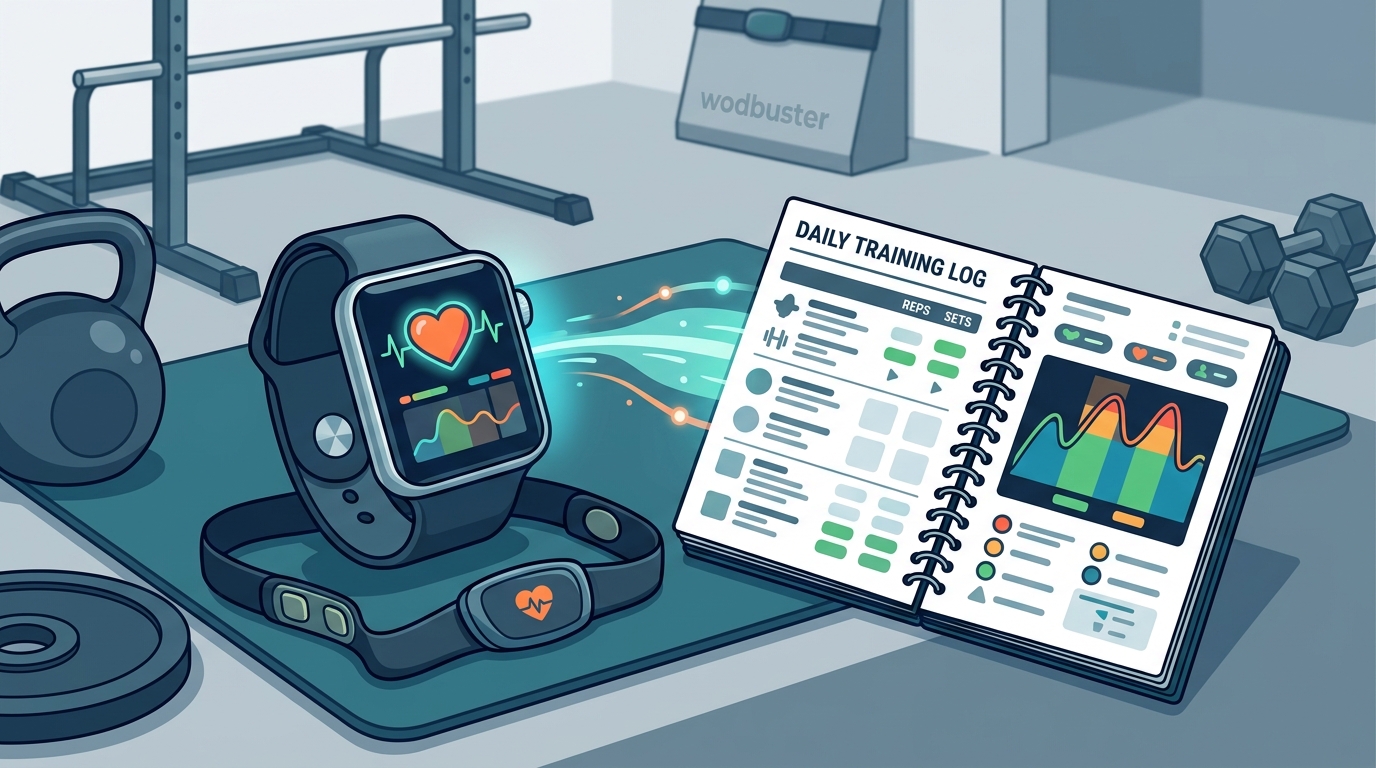
Step 3: Log the Session in WodBuster
Once the workout is complete, log the session in WodBuster. While the platform currently relies on manual entry or integration via automation tools for direct file uploads, you can manually input the average heart rate, maximum heart rate, and calories burned into the athlete's profile. This creates a permanent record in your gym's database, allowing you to track long-term trends.
For gym owners looking to streamline this process, WodBuster offers automated billing and management features that reduce administrative overhead, allowing you to focus on data interpretation rather than data entry.
Manual Logging for Non-Synced Devices
Not all heart rate monitors offer seamless API integration with gym management software. In these cases, manual logging becomes essential. WodBuster's interface is designed to be intuitive, allowing coaches to quickly input biometric data without disrupting the training flow.
When logging manually, ensure you record the following metrics for each interval:
- Average Heart Rate: The mean BPM during the work period.
- Maximum Heart Rate: The peak BPM reached during the interval.
- Recovery Rate: The drop in BPM during the rest period.
By consistently logging these metrics, you build a rich dataset that can be used to adjust training programs. According to established fitness guidelines, tracking heart rate zones is critical for optimizing endurance and fat loss. WodBuster's reporting tools allow you to visualize this data over time, helping you identify patterns in athlete performance.
Analyzing Heart Rate Zones
Collecting data is only the first step. The true value lies in analyzing it. WodBuster provides comprehensive analytics that help you understand how your athletes are responding to training loads. By correlating heart rate data with workout logs, you can identify overtraining, underperformance, or plateaus.
Consider the following analysis strategies:
Zone Distribution
Examine the percentage of time athletes spend in each heart rate zone. A well-balanced program should include a mix of low-intensity steady-state (LISS) and high-intensity interval training (HIIT). WodBuster's integrated timer and scheduling tools help you structure these zones effectively.
Progressive Overload
Track how heart rate responses change over weeks. If an athlete's heart rate for a specific workout decreases while the intensity remains the same, it indicates improved cardiovascular fitness. Conversely, a rising heart rate for the same workload may signal fatigue or the need for recovery.
Recovery Metrics
Monitor recovery rates between intervals. Faster recovery is a strong indicator of improved aerobic capacity. WodBuster's WodBuster App allows athletes to view their own progress, fostering engagement and accountability.
Frequently Asked Questions
Does WodBuster automatically sync with Apple Watch?
WodBuster does not have a direct native API for automatic Apple Watch sync. However, you can export data from Apple Health and manually log it into WodBuster Coach, or use automation tools like Zapier to bridge the gap.
Can I track heart rate zones in WodBuster?
Yes, you can define custom heart rate zones in your workout plans within WB Coach and log the corresponding data for each athlete to track their progress.
Is there a mobile app for logging heart rate data?
Yes, the WodBuster App allows coaches and athletes to view and input workout data on the go, ensuring that biometric records are up to date.
How do I export workout logs from WodBuster?
You can export workout logs and athlete data in CSV or Excel formats from the WodBuster dashboard, which can then be imported into other analytics platforms.
Does WodBuster support Garmin Connect integration?
Similar to Apple Watch, WodBuster relies on manual entry or third-party automation for Garmin data. You can export your Garmin Connect files and input the key metrics into WodBuster Coach.
What is WB Coach?
WB Coach is WodBuster's dedicated module for creating and managing workout programs, tracking athlete progress, and storing historical performance data.
Can I use WodBuster for personal training?
Absolutely. WodBuster is designed for both gym owners and personal trainers. The platform helps you manage client schedules, track biometric data, and deliver personalized training plans.
Optimize Your Training with WodBuster
Syncing your heart rate monitor with workout logs is essential for data-driven fitness. WodBuster provides the tools you need to capture, store, and analyze this critical information. From centralized gym management to detailed athlete tracking, WodBuster is your partner in operational excellence. Start your free trial today and transform how you manage fitness data.