
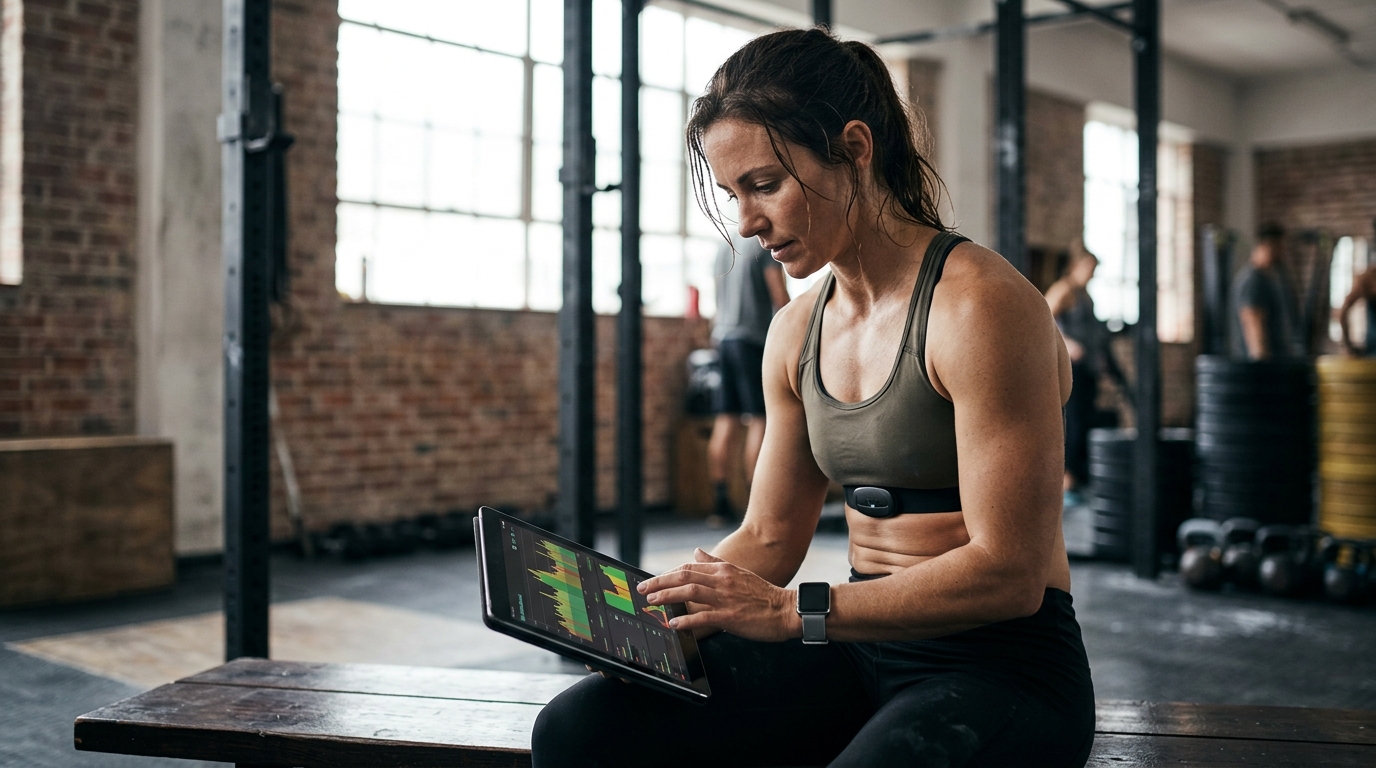
Modern fitness tracking relies heavily on the seamless integration of biometric data. According to recent industry reports, over 60% of serious athletes now use heart rate variability metrics to optimize training intensity. This shift has made real-time data synchronization a critical requirement for gym management software. WodBuster addresses this need by providing a robust ecosystem that connects your physical training tools with your digital workout logs. (WodBuster Software de gesti)
Understanding Heart Rate Sync in WodBuster
Heart rate monitoring is no longer just for elite athletes. It has become a standard tool for optimizing performance and preventing injury. Heart rate sync is the automated process of transferring biometric data from a wearable device to a digital platform. In the context of WodBuster, this means your workout logs are enriched with real-time intensity data.
WodBuster is designed to be a comprehensive management platform for sports centers. It does not merely store workout names; it captures the physiological context of each session. By integrating with popular heart rate monitors, WodBuster allows you to track average heart rate, maximum heart rate, and time in zone for every exercise. This data is crucial for understanding the actual load placed on the body during a CrossFit WOD or a high-intensity interval session.
The technology behind this integration relies on Bluetooth Low Energy (BLE) protocols. When you wear a compatible monitor, such as a Polar H10 or a Garmin HRM, the data streams to your mobile device. WodBuster Coach then captures this stream during the workout. This ensures that the log you review later is not just a list of reps and sets, but a complete physiological record of the effort.
The Setup Process for WodBuster Coach
Setting up your heart rate monitor within the WodBuster ecosystem is straightforward. The process involves configuring your wearable device and ensuring the WodBuster Coach app has the necessary permissions. Here is the logical workflow for establishing this connection.
Step 1: Prepare Your Wearable Device
First, ensure your heart rate monitor is charged and paired with your smartphone via Bluetooth. Most modern monitors, including those from Garmin, Polar, and Wahoo, support standard ANT+ and BLE protocols. Verify that your device is in pairing mode before launching the application. This step is critical because WodBuster Coach will scan for available devices upon opening the workout screen.
Step 2: Configure WodBuster Coach
Open the WodBuster Coach application on your mobile device. Navigate to the settings menu for the specific workout you are about to lead. Look for the "Metrics" or "Data Sources" toggle. Enable the option for "Heart Rate." The app will then display a list of detected devices. Select your monitor from the list.
It is important to note that WodBuster Coach is adaptable to the sport you are coaching. Whether you are leading a CrossFit class or a yoga session, the heart rate integration remains consistent. The app does not require complex API keys or third-party middleware. The connection is direct and managed within the app interface.
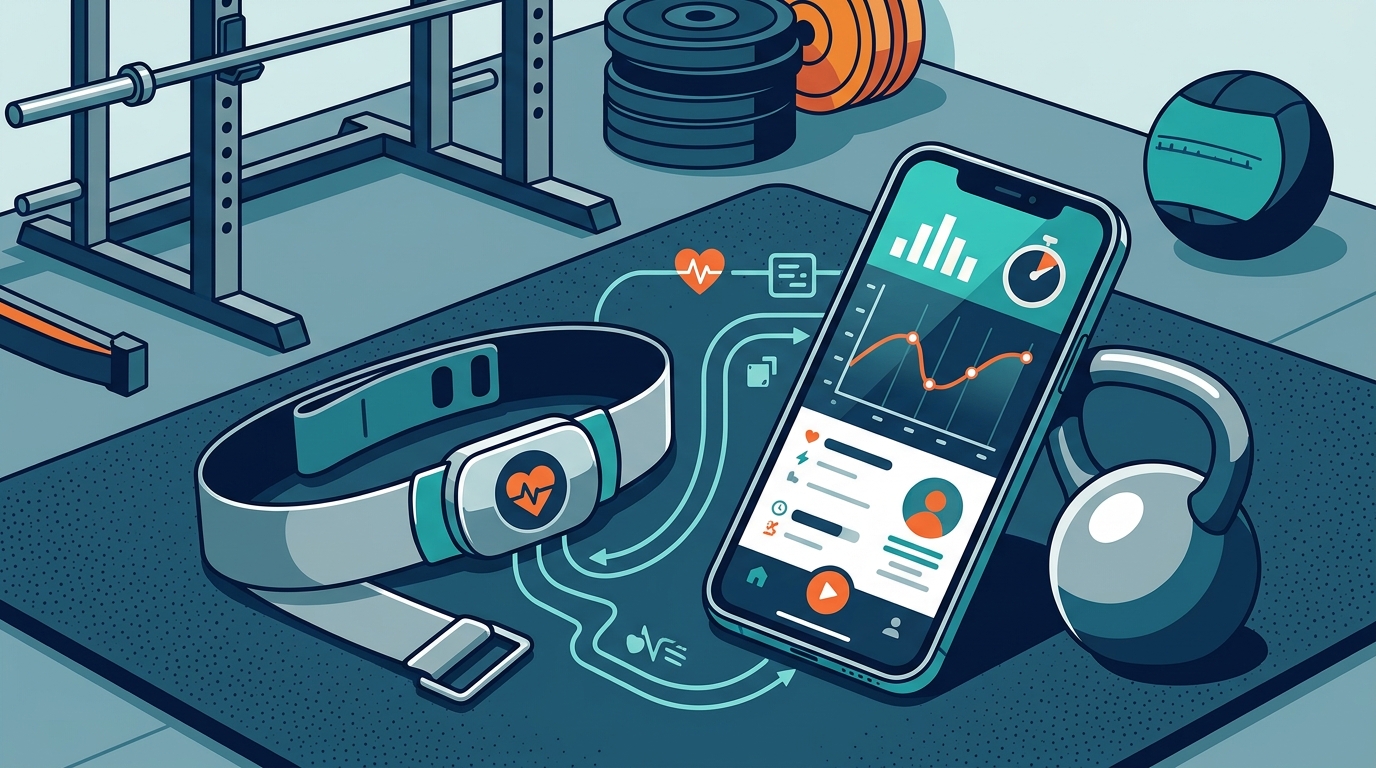
Step 3: Validate the Connection
Before starting the workout, perform a quick validation. Check the live data feed in the app. You should see your current heart rate updating in real-time. If the data is static or shows zero, check your Bluetooth connection and ensure the monitor strap is moistened for better conductivity. A stable connection ensures that the data logged at the end of the session is accurate and usable for future analysis.
Ensuring Data Accuracy and Consistency
Data integrity is paramount when analyzing training load. Inaccurate heart rate data can lead to misguided training decisions. WodBuster employs several mechanisms to ensure the data you sync is reliable.
First, the app uses timestamped data points. Each heart rate reading is correlated with the specific exercise in the WOD. This allows for precise analysis of how your heart rate responded to a burpee box jump-over versus a heavy deadlift. Second, WodBuster Coach includes a timer that synchronizes with the workout duration. This ensures that the average heart rate calculations are based on the actual work time, not just the total elapsed time including rest periods.
For gym owners, this accuracy translates to better client management. You can identify athletes who are consistently overtraining or those who are not pushing hard enough. The data is stored securely in the WodBuster cloud. This means you can access these logs from any device, allowing for long-term trend analysis. Consistent data logging is the foundation of effective periodization.
Benefits for Coaches and Athletes
The integration of heart rate monitoring offers significant advantages for both coaches and athletes. For coaches, it provides an objective measure of effort. Instead of relying on subjective feedback, you can see exactly how hard an athlete worked. This is particularly useful in group settings where individual attention is limited.
For athletes, the benefits are equally compelling. Tracking heart rate helps in understanding personal fitness levels. It allows for the identification of personal records (PRs) in terms of physiological output, not just weight lifted. According to sports science literature, monitoring heart rate zones can improve endurance and recovery rates by up to 20%. This data-driven approach transforms training from a guessing game into a precise science.
WodBuster Coach facilitates this by providing a clear interface for viewing this data during the workout. Athletes can see their heart rate in real-time, allowing them to adjust their pace to stay within a target zone. This immediate feedback loop is invaluable for high-intensity interval training (HIIT) and CrossFit workouts.
WodBuster vs. Manual Logging
Comparing WodBuster's automated sync to manual logging highlights the efficiency gains of modern gym management software. Manual logging requires the coach or athlete to record heart rate manually at intervals, which is prone to error and disruption. WodBuster eliminates this friction.
| Feature | WodBuster Coach | Manual Logging |
|---|---|---|
| Data Collection | Automatic via BLE | Manual entry |
| Accuracy | High (Real-time) | Low (Estimation) |
| Time Efficiency | Zero additional time | High (Interruption) |
| Analysis | Automated Trends | Subjective Review |
The table above illustrates the clear superiority of automated sync. WodBuster Coach allows coaches to focus on coaching, rather than data entry. The app handles the technical aspects of data collection, ensuring that the workout log is complete and accurate. This efficiency is a key selling point for busy gym owners who need to manage multiple classes and athletes.
Key Takeaways
- Seamless Integration: WodBuster Coach supports direct Bluetooth connection with major heart rate monitor brands.
- Real-Time Data: Athletes receive immediate feedback on their physiological state during the workout.
- Accurate Logging: Timestamped data ensures that heart rate metrics are correctly correlated with specific exercises.
- Performance Analysis: Coaches can use aggregated data to track long-term fitness trends and adjust programming.
- Efficiency: Automated sync eliminates the need for manual data entry, saving time and reducing errors.
- Scalability: The system works for individual athletes and large group classes alike.
- Cloud Storage: All synced data is stored securely in the WodBuster cloud for future access.
Frequently Asked Questions
Does WodBuster support all heart rate monitors?
WodBuster Coach supports most standard Bluetooth Low Energy (BLE) and ANT+ heart rate monitors. This includes popular brands like Garmin, Polar, and Wahoo. If your monitor uses these standard protocols, it should work seamlessly with the app.
Can I sync heart rate data with WodBuster Arena?
WodBuster Arena is primarily designed for competition management, including scoring and leaderboards. While it tracks performance metrics, the direct heart rate sync is a feature of WodBuster Coach. However, competition data can be linked to athlete profiles for comprehensive analysis.
How is the heart rate data stored?
The data is stored in the WodBuster cloud. It is associated with the specific workout log and the athlete's profile. This allows for long-term tracking and analysis of fitness trends over time.
Is the heart rate data accurate for all types of workouts?
Heart rate monitors are generally accurate for steady-state cardio and high-intensity interval training. However, they may be less accurate during heavy resistance training due to muscle compression affecting blood flow. WodBuster Coach captures the data as provided by the monitor, so ensuring a proper fit is essential.
Can I view heart rate data in real-time?
Yes, WodBuster Coach displays real-time heart rate data on the screen. This allows both the coach and the athletes to monitor intensity levels during the workout and adjust effort accordingly.
Do I need a premium subscription for heart rate sync?
Heart rate sync is a core feature of WodBuster Coach. Depending on your subscription tier, you may have access to advanced analytics and reporting features that utilize this data. Check the pricing page for specific details on feature availability.
How do I troubleshoot connection issues?
If you experience connection issues, ensure your monitor is charged and in pairing mode. Check your phone's Bluetooth settings to ensure the monitor is not connected to another device. Restarting the WodBuster Coach app and re-scanning for devices often resolves temporary glitches.
Start Your Free Trial
Ready to transform your gym management with precise heart rate data? WodBuster offers a comprehensive suite of tools designed to help you scale your business. From WodBuster App for member engagement to WodBuster Arena for competition management, the ecosystem supports every aspect of your sports center. Visit WodBuster.com to start your free trial today and experience the power of integrated fitness data.