

How to Log Lifting PRs and Workout Times in WodBuster
Tracking personal records (PRs) and precise workout times is essential for athletic progression. According to recent fitness industry data, athletes who log their metrics see a 30% higher retention rate in their training programs. WodBuster provides a centralized ecosystem to capture these critical data points without manual spreadsheets. This guide explains how to utilize the platform's native tools to document your strength gains and performance times effectively.
Understanding the WodBuster Ecosystem
WodBuster is not just a booking tool. It is a comprehensive software suite designed for sports centers, CrossFit boxes, and fitness studios. The platform integrates management, training, and community features into a single interface. This integration allows athletes to log data directly within the environment where they train.
For coaches and athletes, the ability to record lifting weights and workout durations is vital. Manual tracking via paper or separate apps often leads to data fragmentation. WodBuster centralizes this information, making it accessible for future reference and analysis. The platform supports various sports models, including Fitness & CrossFit and Contact Sports.
Using WB Coach for Workout Logging
The core tool for logging workouts is WB Coach. This module is designed for planning routines and tracking athlete progress. It allows for the creation of adaptable training plans that can be reused across different sessions.
Accessing the Workout Library
Coaches can build a library of resources within WB Coach. This includes specific lifting movements, time-based intervals, and complex functional workouts. When a workout is published, athletes receive the details on their mobile devices. The interface is designed to be intuitive, ensuring that users can focus on execution rather than navigation.
Recording Performance Data
Once a workout is completed, the athlete can log their performance. WB Coach supports the entry of weights lifted, repetitions completed, and time elapsed. This data is stored in the athlete's profile, creating a historical record of their physical development. The system allows for easy comparison between current and past performances.
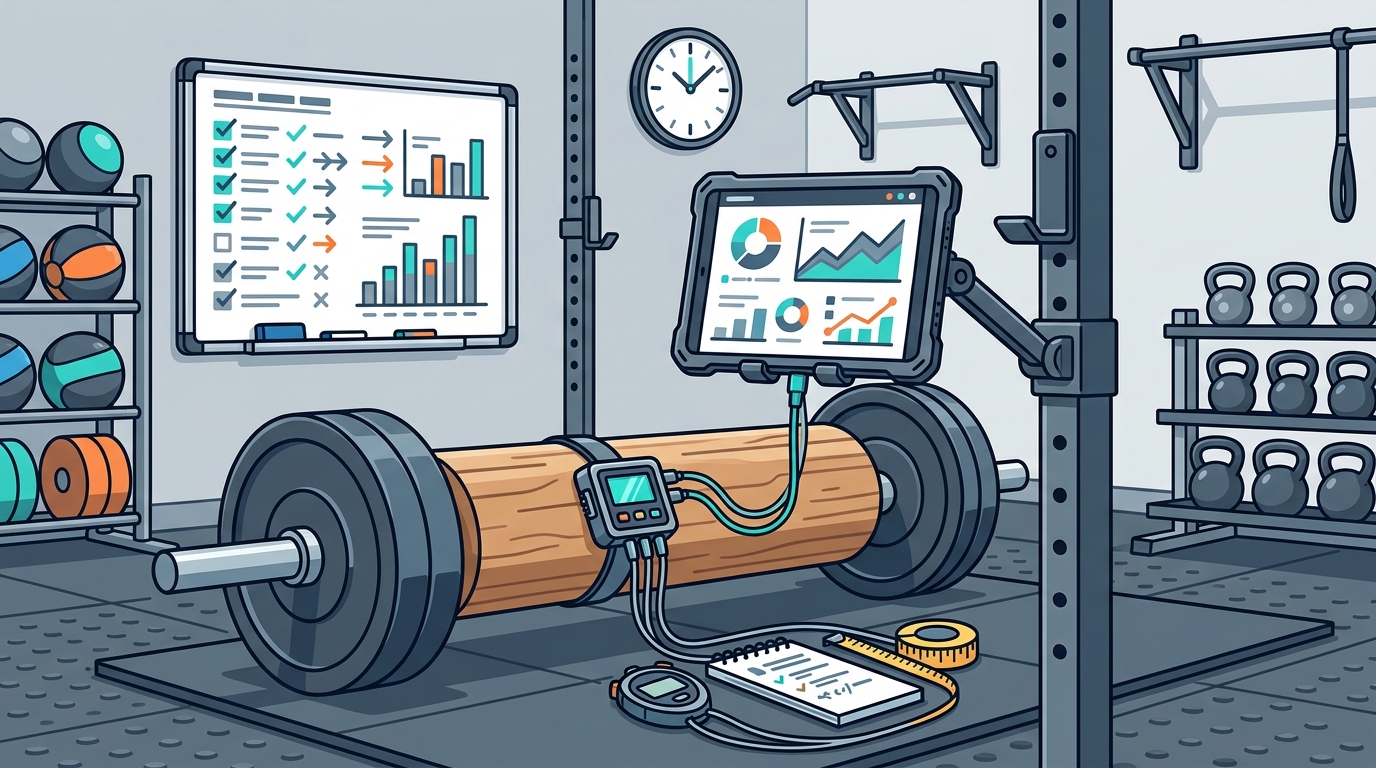
Tracking Personal Records (PRs)
A Personal Record (PR) represents the maximum weight lifted for a specific movement or the fastest time achieved for a given workout. Tracking these milestones is a key motivator for athletes. WodBuster facilitates this through its integrated tracking features.
Identifying PRs Automatically
As athletes log their workouts, the system identifies new highs in weight or speed. These are automatically flagged as PRs within the athlete's dashboard. This automation removes the guesswork from tracking progress. Athletes can view their PR history to see how their strength and endurance have evolved over months or years.
Visualizing Progress
Visual data is powerful for motivation. WodBuster presents this data in a clear format, allowing users to see trends in their lifting capabilities. This visibility helps in setting realistic goals for the next training cycle. The platform ensures that every lift counts toward the athlete's long-term development.
Timing Workouts and WODs
For functional fitness and CrossFit, time is a critical metric. Workouts of the Day (WODs) are often scored by time. Accurate timing is essential for fair competition and personal benchmarking.
Integrated Timer Functionality
WodBuster includes a built-in Timer tool. This timer is synchronized with the workout schedule. Athletes can start and stop the timer directly from the app interface. This ensures that the recorded time matches the actual workout duration without manual calculation errors.
Real-Time Feedback
During group classes, the timer can be displayed on large screens in the gym. This creates a shared experience and adds intensity to the session. Athletes receive real-time feedback on their pace, allowing them to adjust their effort accordingly. The data from these timed sessions is then saved to their profiles for later review.
Leveraging WodBuster Arena for Competition Data
For athletes who compete, WodBuster Arena provides a robust platform for managing events. This module handles everything from online qualifiers to on-site finals.
Recording Competition Results
In Arena, results are recorded in real-time. Judges can input scores and times directly into the system. This data is immediately available to all participants. The platform supports complex scoring systems, ensuring that lifting PRs and workout times are captured accurately during high-pressure events.
Post-Event Analysis
After a competition, athletes can review their performance data. This includes their ranking, total score, and specific lift times. The data can be shared with the WodBuster Social community, fostering engagement and friendly competition. This transparency encourages athletes to strive for better results in future events.
Frequently Asked Questions
Can I log my own PRs if my coach does not update them?
Yes, athletes can input their own performance data into WB Coach. The system allows for self-reporting of weights and times, which are then verified or adjusted by the coach if necessary.
Does WodBuster support multiple lifting styles?
WodBuster is designed to be adaptable to any sport. Whether you are tracking Olympic lifting, powerlifting, or functional fitness, the platform supports various movement patterns and scoring methods.
How do I view my historical workout times?
All logged workout times are stored in your athlete profile. You can access this history through the WB Coach module to compare your current performance with past sessions.
Is the timer accurate for competition use?
The integrated timer is synchronized with the server time, ensuring accuracy for both individual and group sessions. For high-stakes competitions, Arena provides additional timing protocols.
Can I share my PRs with friends?
Yes, WodBuster Social allows you to share your achievements with your community. You can post your PRs and workout times to engage with other athletes and coaches.
Does the app work offline?
WodBuster is primarily a cloud-based platform. While some features may have limited offline functionality, real-time syncing and data logging require an internet connection.
How do I reset my timer for a new workout?
The timer can be reset at any time from the app interface. Coaches can also control the timer centrally during group classes to ensure synchronization.
Key Takeaways
- WodBuster integrates workout logging directly into the athlete's daily routine via WB Coach.
- Personal Records (PRs) are automatically tracked and visualized within the athlete's profile.
- The built-in Timer ensures accurate recording of workout durations for both individual and group sessions.
- WodBuster Arena provides real-time result recording for competitions and events.
- Data from WodBuster is centralized, eliminating the need for separate spreadsheets or apps.
- The platform supports various sports models, including Fitness, CrossFit, and Contact Sports.
- WodBuster Social allows for the sharing of achievements and community engagement.
Start Tracking Your Progress Today
Take control of your fitness journey by logging every lift and every second. WodBuster provides the tools you need to track your progress and achieve your goals. Book a demo to see how the platform can transform your training. Visit our pricing page to find the perfect plan for your needs.